
You do not need to edit video to send a memory clip
Every time I see a memory video, I think: I have the footage. Why can’t I make one?
The block is rarely editing skill. It is three things: the media is messy, there are too many people, and I do not know where to start.
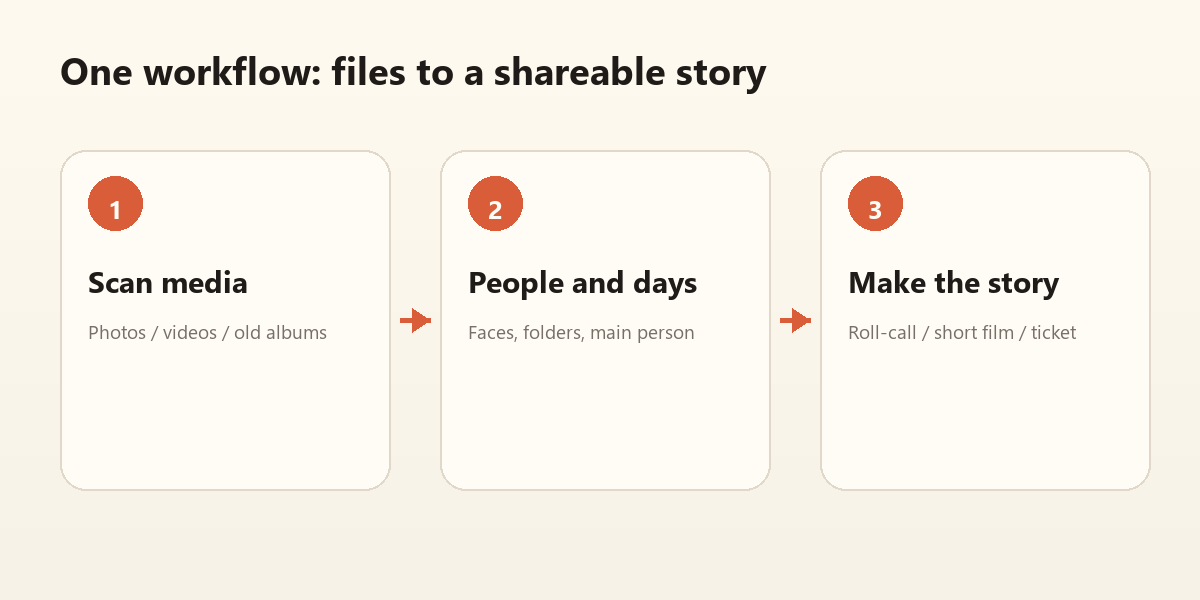
Step 1: make the media usable
Add photo folders, scan, recognize faces, group by day. You do not need a story first; let the material line up.
Step 2: pick a way to tell it
For graduation or a reunion, use the roll-call film: one person, one number, a finger, a large portrait.
For family or old photos, use Time Cinema: that day, those people, later. Three acts are enough.
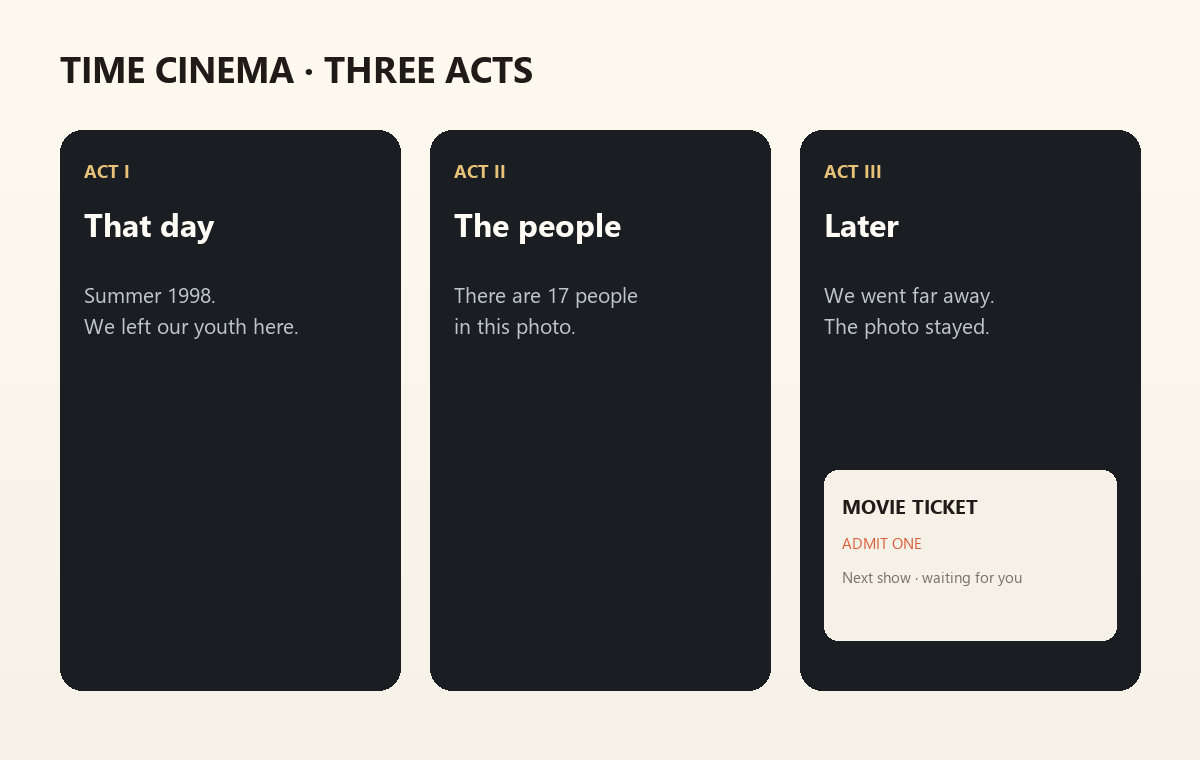
Step 3: let it render
Choose a template, choose a save location, generate. Captions are fixed in this version; contact the developer for custom copy.
When it finishes, it opens in your system default video player. No extra player hunt.
You can tell a story without editing
The structure is already there:
- give the time
- give the people
- give one line you want to say
All you have to do is bring the people back.
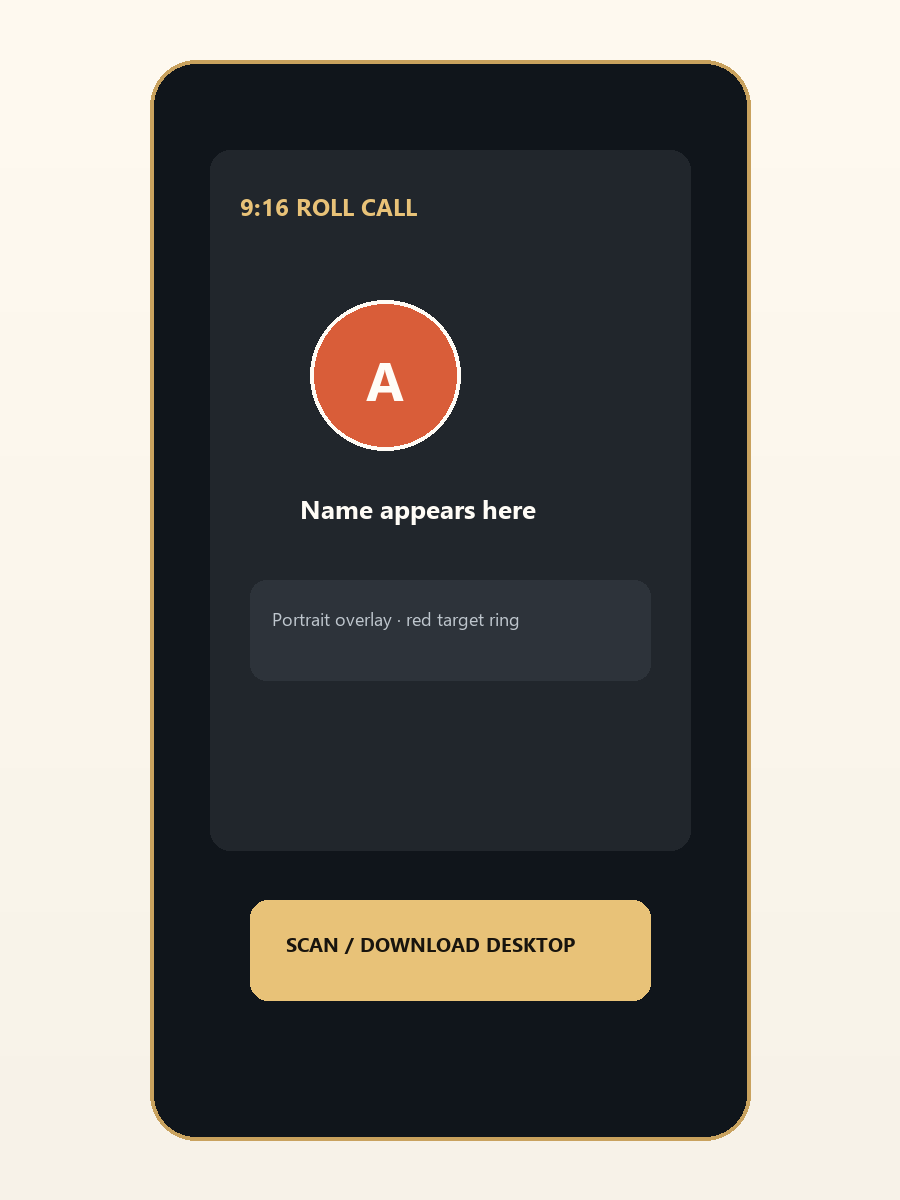
Start with a 15-second minimum version: one group photo, one person, one name. If you will watch it yourself, then post it. If you will not, the material is wrong — not the editing.