
How do I sort old photos and videos by person?
Cluster faces in the folders you choose, then open one person to see every photo and video. Originals stay put. Nothing is uploaded.
Namecall · Namecall
Recognize locally → sort by person → time-machine film. Photos stay local.
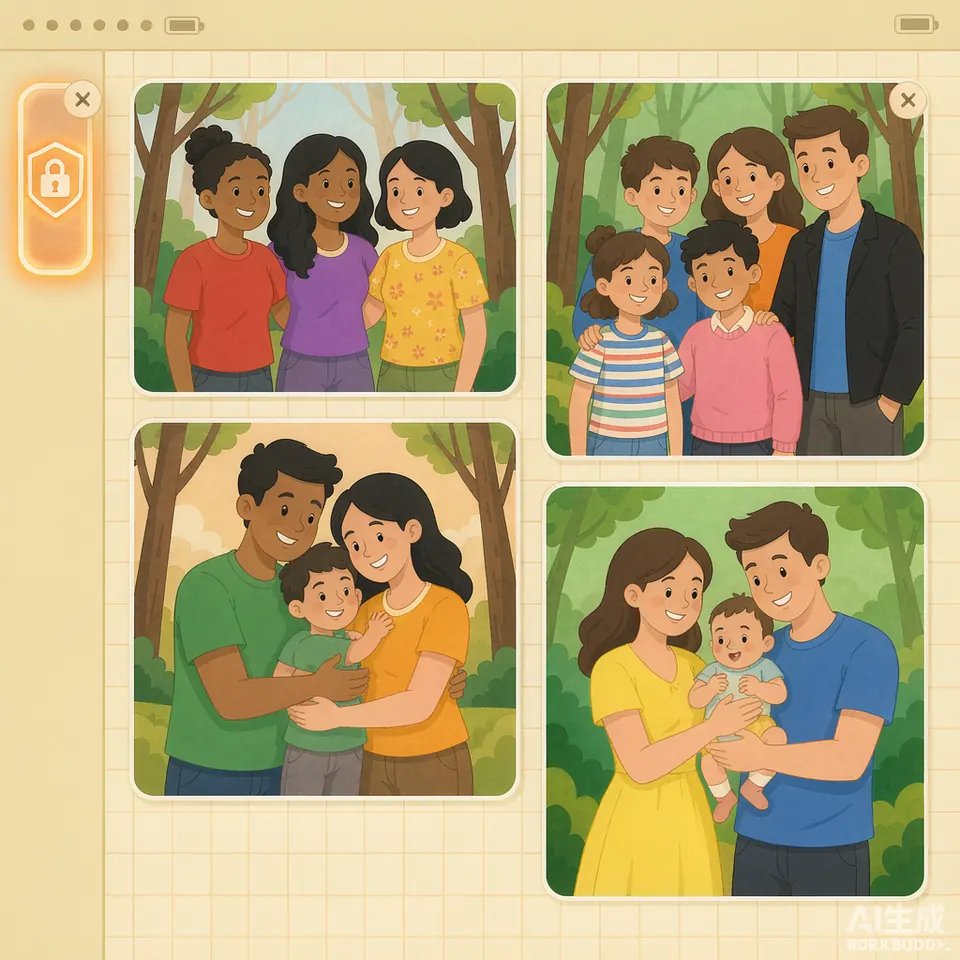
Cluster faces in the folders you choose, then open one person to see every photo and video. Originals stay put. Nothing is uploaded.
Era-aware picks prefer clear, frontal faces and render about 90 seconds, vertical. Add music or remake. The standard edition writes an MP4.
Not a cloud album and not an editor. It covers the middle: recognize on this PC, then make the film. Pro may continue as a JianYing draft when licensed.
A ordinary-life biography is often 30–80k Chinese characters over weeks or months. The cost is interviews and checking — not one-shot AI prose.
2026-10-29 Getting startedAsk for time, place, people, and original wording. AI can interview; it should not invent their life.
2026-10-29 ToolsDo not start on a timeline. Build a day-and-people set, let AI draft a script, then hand a JianYing project.
2026-10-29 ToolsAsk whether originals or face features leave your PC. Namecall groups faces on Windows locally and does not match a cloud watchlist.
2026-10-29
Shiguang Jiachuan
The other product is Shiguang Jiachuan: a biography for your parents. Scan the WeChat code to use it. No separate install.
Scan to use it →No. Scanning, people grouping and the time-machine film all run on your Windows PC. Photos, videos and the face features used for grouping are not uploaded. The network is only for update checks and an optional place lookup from GPS you already have.
Phone albums usually recognize people inside the vendor account and often sync to the cloud. They do not make a film. Namecall only reads folders you choose, then makes an ~90 s vertical time-machine film. Standard output is MP4; Pro may add a JianYing draft when licensed.
The standard edition writes a vertical MP4 of about 90 seconds that you can remake. JianYing is not required. You only need it on this PC if you use Pro to keep editing a draft.
The standard edition is free. The current installer is 6.5.7. Official scale is about 50,000 photos or 200,000 faces. Start with a few hundred to a couple thousand.
It never auto-deletes files and does not change original EXIF. A file leaves its folder only after you confirm Move.