From the first folder to the first time-machine film
Recognize people on this PC, sort by person, then make a soundtracked time-machine film. Standard edition: about 90 s vertical MP4. Pro may continue as a JianYing draft when licensed.
Start with a few hundred to a couple thousand photos. Photos and videos are not uploaded; originals are not auto-deleted. Current installer: 6.5.7 (Namecall_setup6.5.7.zip).
01 · What it does
Recognize locally — detect and cluster faces in folders you choose.
Sort by person — rename, browse files, fix dates, family / sets / events.
Time-machine film — era-aware picks into ~90 s vertical video (standard); Pro may add a JianYing draft.
One line: recognize family locally, sort by person, make a time-machine film.
No camera, no photo upload, no auto-delete, not a backup product.
02 · Install
Run the installer (Namecall_setup6.5.7.zip).
Usually installs under your user profile (admin often not required).
App data lives in %LOCALAPPDATA%\FaceVault; originals stay in your folders.
Windows 10 / 11 64-bit. First launch may keep the welcome screen until face prep finishes — do not force-quit during a scan.
03 · First scan
Add photo/video folders (subfolders included).
Optionally analyze video (slower).
Start analysis; you can stop and resume.
Open the people album when done.
Official scale: about 50k photos / 200k faces.
04 · Name people
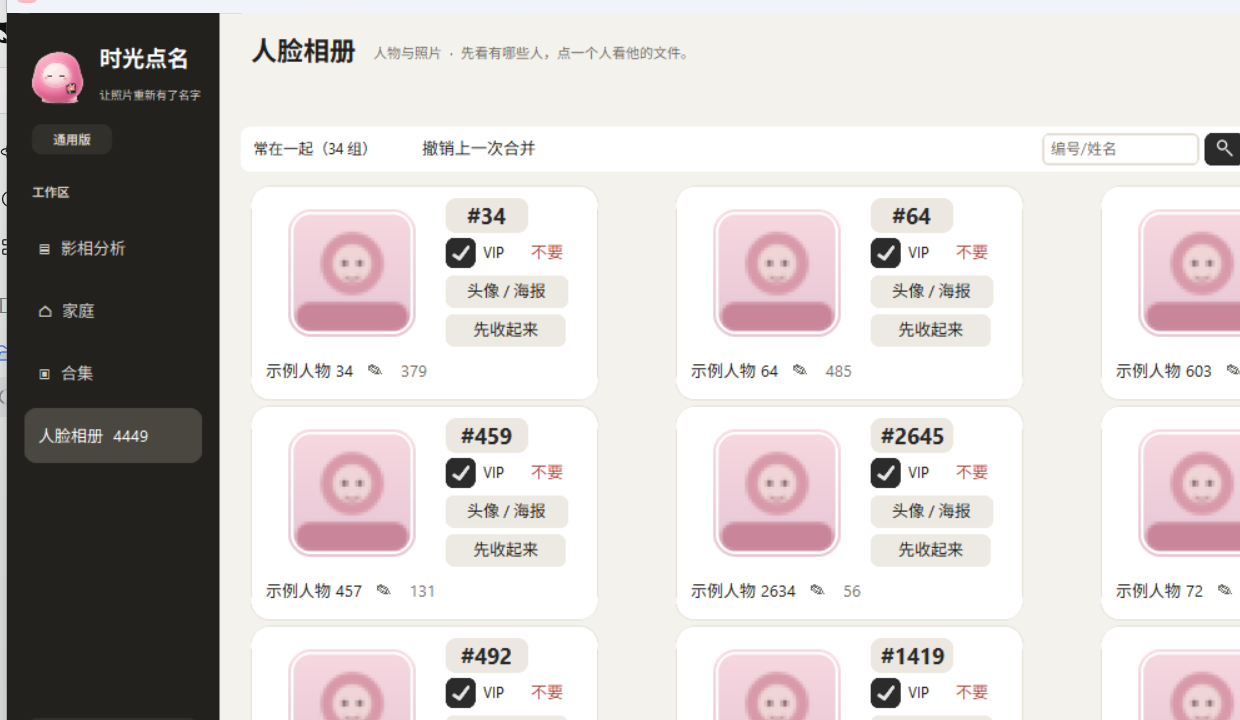
Scanning creates person numbers; you choose real names. Rename, set cover, hide, or merge after confirming it is the same person.
People album (sample names, anonymized faces).
05 · Browse by person
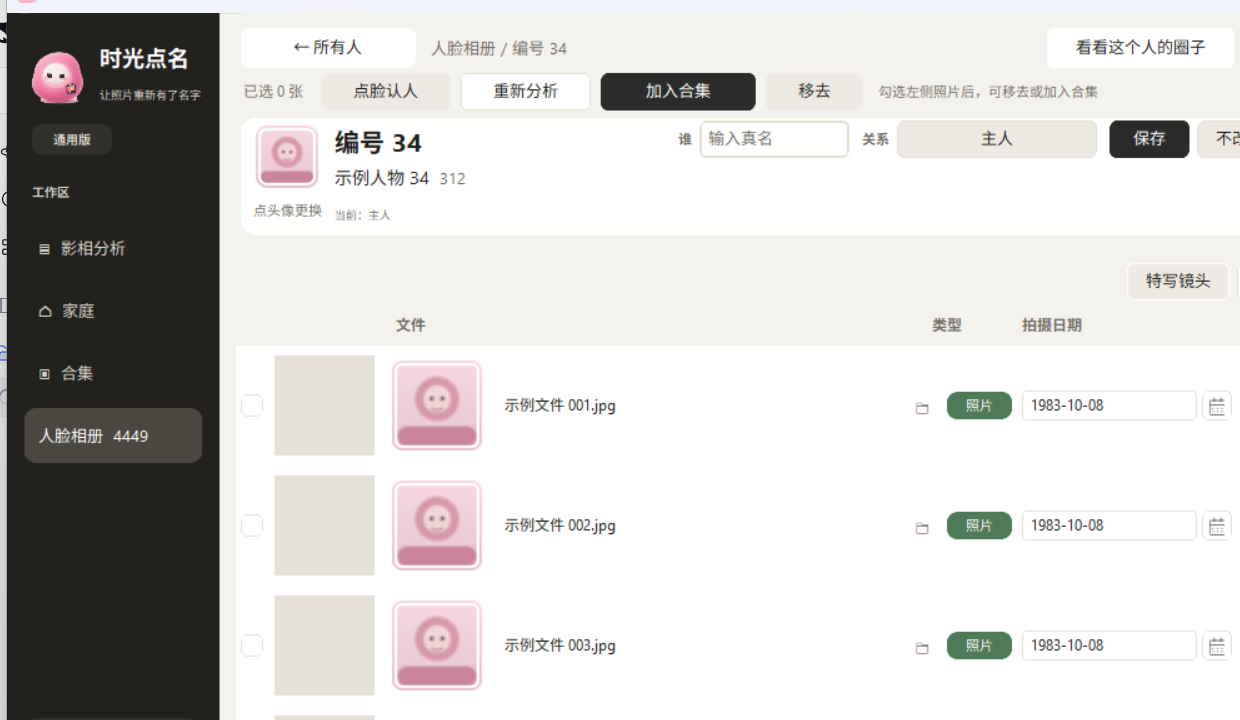
Open a person for a timed list of photos and videos. Remove-from-person does not delete originals and excludes those shots from that person’s time machine.
Person files: layout from a real install; names and filenames are samples.
06 · Shoot dates
Order: EXIF / container → filename date → file mtime → your manual date. Edits go to the local index; original EXIF is unchanged.
07 · Family, sets & events
Family links are optional. Sets fit themes like wedding or graduation. Event media still points at your original folders.
08 · Time-machine film
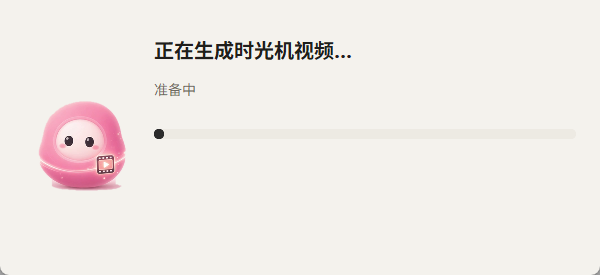
Open a person → Time machine → pick direction and music → save MP4. Standard: up to ~90 s, 1080×1920. About 62 shots + ending; decades get quota; clear frontal faces first.
Render progress (anonymized).
09 · Music
12 local Kevin MacLeod CC BY 4.0 tracks — credit via About / MUSIC-CREDITS.txt. Choose silence, auto-pick, or a track. Preview needs ffplay.exe.
10 · Privacy
Photos, videos and on-device face features for grouping are not uploaded.
No camera, no live monitoring, no ID check, no stranger watchlist.
Network: updates; optional GPS place lookup.
About page and Usage Statement entry.
11 · Data & backup
Clear cache from About without deleting originals. Namecall is not a backup tool — protect originals yourself. On a new PC, rescan after copying photo folders.
12 · Troubleshooting
Welcome screen lasts a long time
Normal on large first loads. Wait; do not relaunch repeatedly.
Empty face thumbnails
Generated in the background — wait or scroll; check cache and source paths.
~90 s limit
Standard edition. Pro may not truncate — check your license.
Split or merged people
Age gaps, profiles, occlusion or look-alikes. Merge or remove; confirm on a small set first.