
Too many photos, faces, and stories — a workflow that finds them again
Every creator has the same problem: the media exists; you just cannot find it.
Thirty thousand photos, hundreds of videos, and when you need one group photo you are still asking the group chat: “Who has it?”
Make people the index
Searching by filename is unnatural. We remember “with whom”, “when” and “where”.
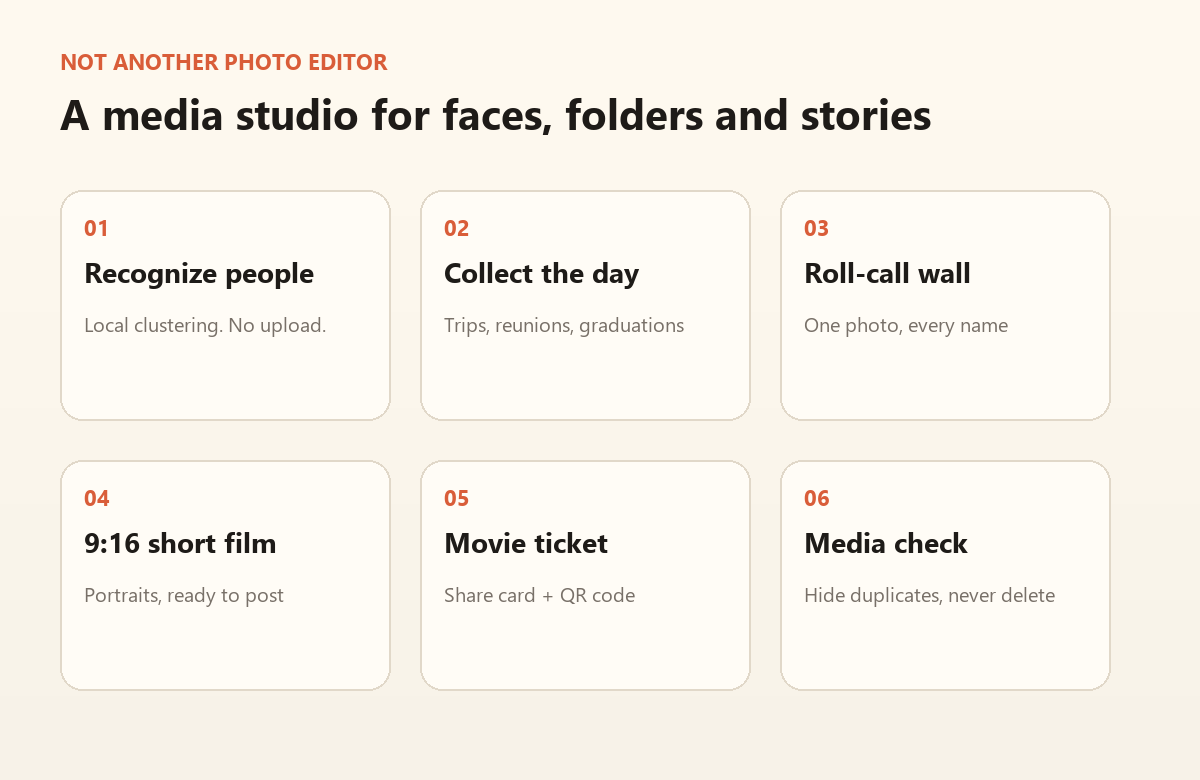
Time Roll Call clusters faces so you can browse by person; collections group by folder and date so you can browse by day.
Put duplicates away
The same asset lives on a phone, a laptop and a drive. The more you organize, the messier it gets.
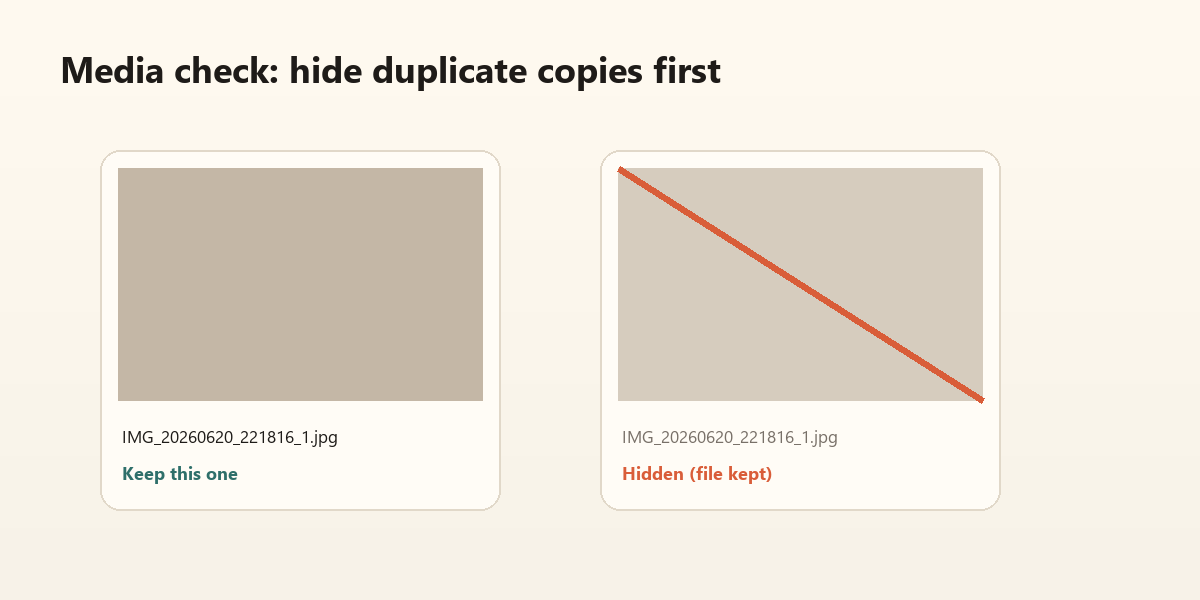
Check/Repair prefilters by filename and size, confirms with SHA-256, and hides duplicate copies without deleting originals.
Turn media into a story
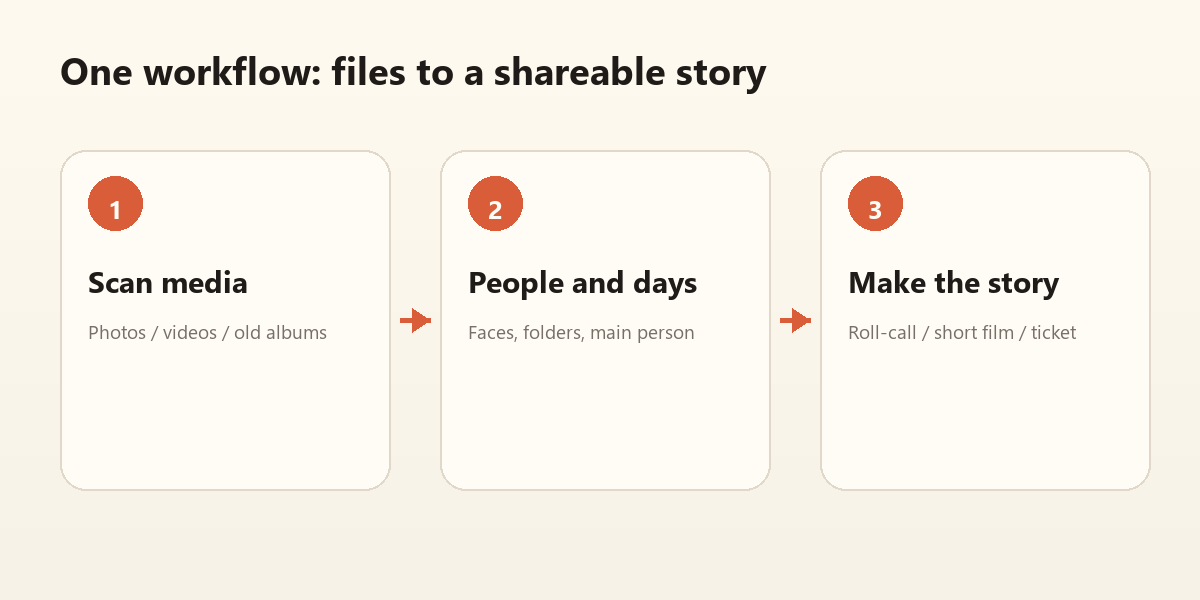
- Roll-call wall: one group photo, every name
- 9:16 film: portraits, ready to post
- Time Cinema: a three-act short film
- Movie ticket: a share card + QR
My advice
Do not wait for “when I have time”. Pick one theme: one graduation, one trip, one family.
Put it in a collection, make one short film, post it.
Organizing media is not about owning more files. It is about letting those files become stories again.
Four habits that help: build collections by theme, not by year; recognize people before you hunt files; hide duplicates instead of deleting them; finish one theme with one shareable piece before you start the next.