
Gen Z digital archaeology — turn parents’ old photos into a roll-call wall
A new habit: digging through old phones, drives and albums to bring a blurred past back into the present.
But when you open those photos, the questions arrive immediately. Who is this? Where was this? Why is every face so small?
Old photos need names first
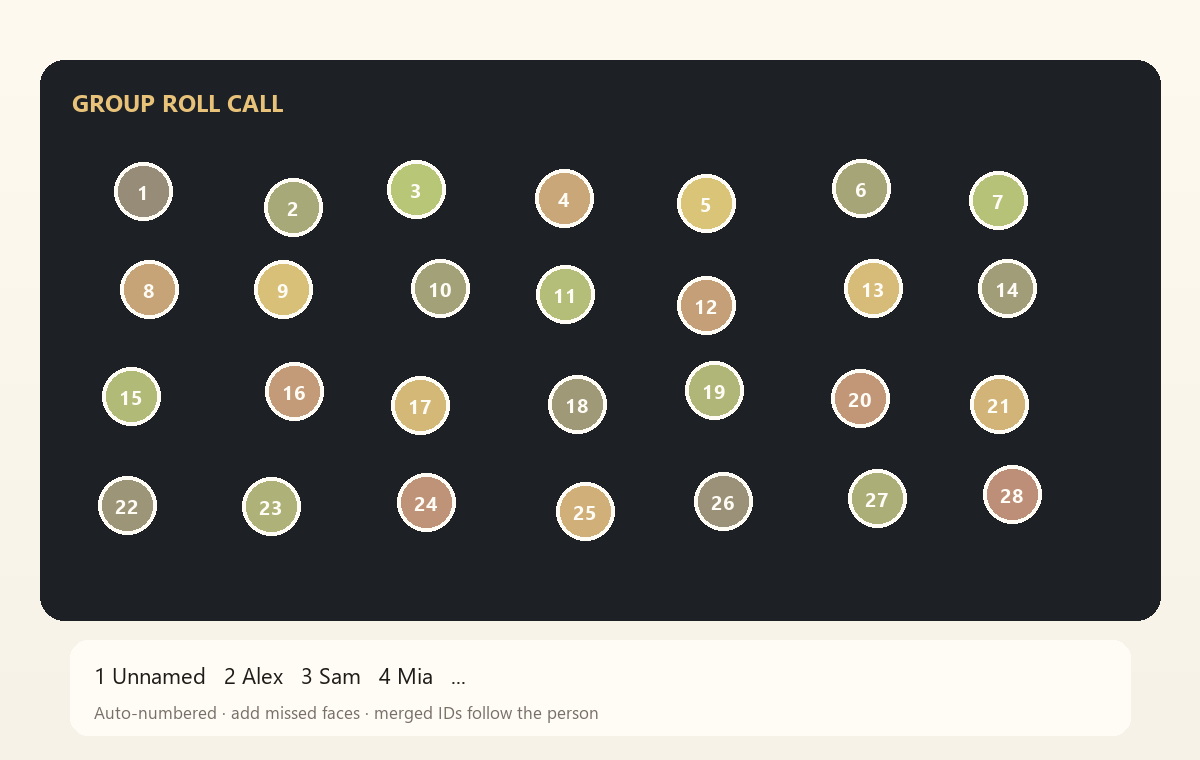
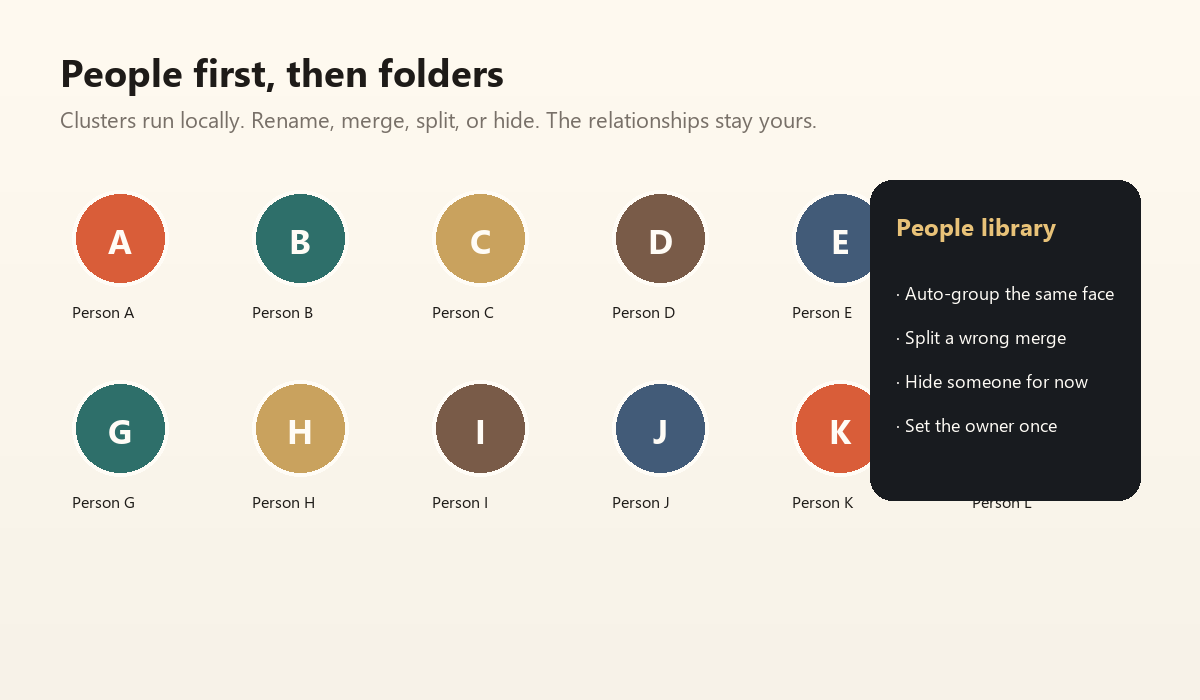
Time Roll Call starts with face clustering, not filters. It groups the same person, then lets you name, merge and split.
It is not magic. In a 1970s black-and-white group photo, many faces are too small. Detection will miss some.
So it keeps a human exit: Add a person. Click an unnumbered face, type a name, and that person enters the library.
One photo, every name
The roll-call wall numbers people from the back row to the front, left to right. When people are merged, old numbers follow the new person.
For parents, this is not a gimmick. It turns a group photo back into a roll call.
Duplicates: hide, don’t delete
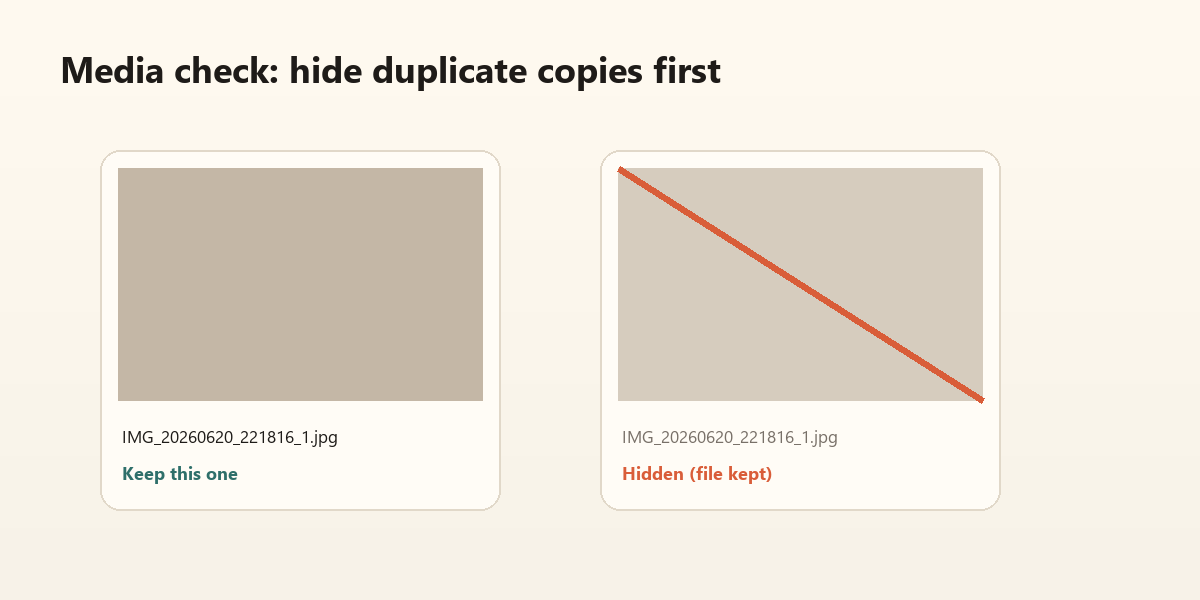
The most common problem with old photos is not scarcity but repetition: the same file on a phone, a computer and a portable drive.
Check/Repair prefilters by filename and size, then confirms with SHA-256. De-duplication hides copies; it never deletes originals.
Why it works for families
You do not need Photoshop or a cloud account. You need to:
- bring the old photos in
- name the people with your family
- make a roll-call wall
- send it to the family group
It is less like “fixing” a photo and more like sitting down and calling everyone’s name back.
Hide duplicate copies first; keep the originals. Confirm names with the family before you decide what to clean. Technology can be fast. Family memory should be slow.